
LESSONS AND LEARNING · THURSDAY, 19 NOVEMBER 2026
Today’s Lesson Release
Module 1 · Computer Fundamentals & Digital Literacy
Dear ORADI Students,
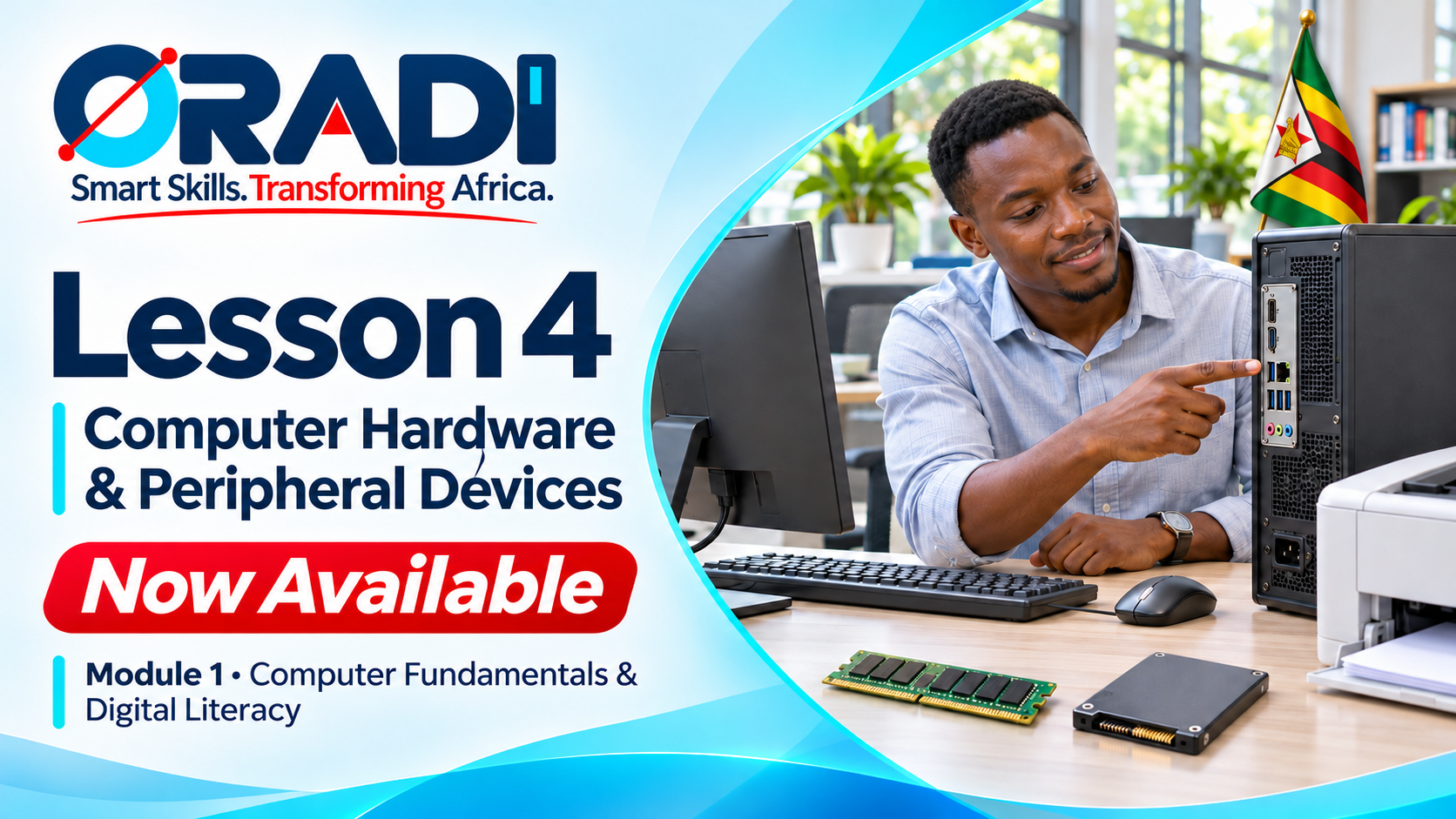
Lesson 4 — Computer Hardware & Peripheral Devices is scheduled to open in your Student Portal today. What would you check if a printer stopped printing or a meeting-room display showed “No signal”? Today you’ll learn how computer parts work together, distinguish RAM from saved storage, identify input and output devices, and choose suitable connections. You’ll also practise safe first checks and learn how to report a problem clearly to ICT support.
What to do today
- Study Lesson 4 and practise in your notes. Complete Practices A–D in Practice with Guidance. Label a workstation, trace a document, match connections and investigate a printer symptom. These exercises are ungraded and require no separate upload.
- Complete Assignment 1.4 and Practical Activity 1.4. Prepare a one-page Hardware First Checks Guide for a new employee. Include display, printing and connection checks, daily care, fault-reporting details and situations requiring ICT support. For the practical activity, inspect an authorised workstation’s visible parts and connections, recording an observation, a safe action and its result. Follow the submission instructions in your Student Portal.
- Submit Portfolio Task 1.4 — Computer Hardware Inventory Report. Prepare an inventory proposal for an office with ten existing desktop workstations. State your assumptions, record equipment to verify and identify shared or missing items. Give quantities, users, purposes, reasons and connection or support needs. Finish with a three-item priority list. You do not need to invent prices.
Use authorised equipment for your activities and keep computer cases closed. Follow workplace procedures and contact ICT support when a problem requires internal or electrical repairs.
New lessons and their tasks are scheduled to open at 04:00 CAT, Monday through Saturday. Before you finish for the day, check that your assessed work has been submitted.
Sign in to your Student Portal
ORADI — Smart Skills. Transforming Africa.







1 Comment
How do I submit my assignment