LESSONS AND LEARNING · WEDNESDAY, 18 NOVEMBER 2026
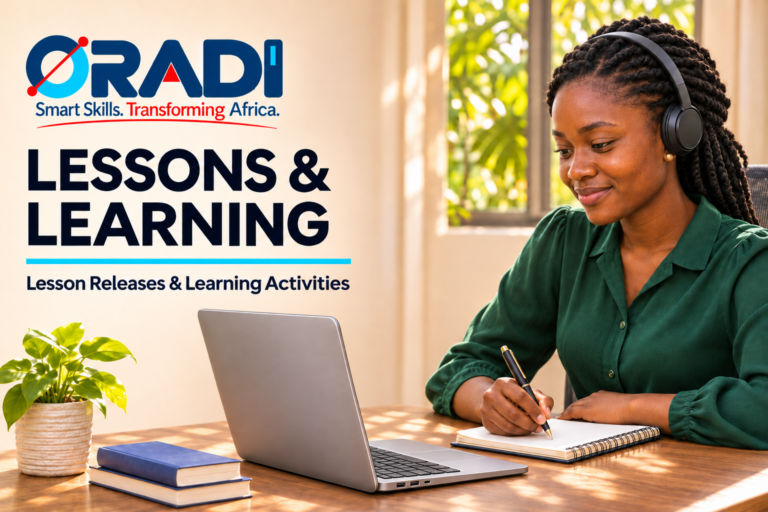
Today’s Lesson Release
Module 1 · Computer Fundamentals & Digital Literacy
Dear ORADI Students,
Lesson 3 — Types of Computers & Digital Devices is scheduled to open in your Student Portal today. What makes a laptop a better choice for one job and a smartphone a better choice for another? Today you’ll compare personal devices, embedded systems, servers and supercomputers. You’ll practise recommending a device by considering the task, software, working conditions and budget.
What to do today
- Study Lesson 3 and practise in your notes. Work through the exercises in Practice with Guidance. These exercises are ungraded and require no separate upload.
- Complete Assignment 1.3 and Practical Activity 1.3. Use the workplace challenge to prepare your assignment. Recommend devices for Nothando’s small office, explain one advantage and one limitation of each choice, and identify a purchase that could wait. Follow the submission instructions in your Student Portal for both activities.
- Submit Portfolio Task 1.3 — ICT Equipment Recommendation Report. Recommend equipment for the different teams in Lukundo’s new NGO office. Explain what the NGO needs to check before choosing how to share files and services, then list which purchases should come first on a limited budget.
New lessons and their tasks are scheduled to open at 04:00 CAT, Monday through Saturday. Before you finish for the day, check that your assessed work has been submitted.
Sign in to your Student Portal
ORADI — Smart Skills. Transforming Africa.